You’ve got that old laptop in the hall closet, a box of phone chargers from who-knows-when, and a printer that only prints when it feels like it. Tossing it all in the trash sounds simple—but it isn’t. Here’s how homeowners in Chandler can handle e-waste the smart way, without the stress or the guilt.
What Exactly Counts as E-Waste (And Why It Matters)
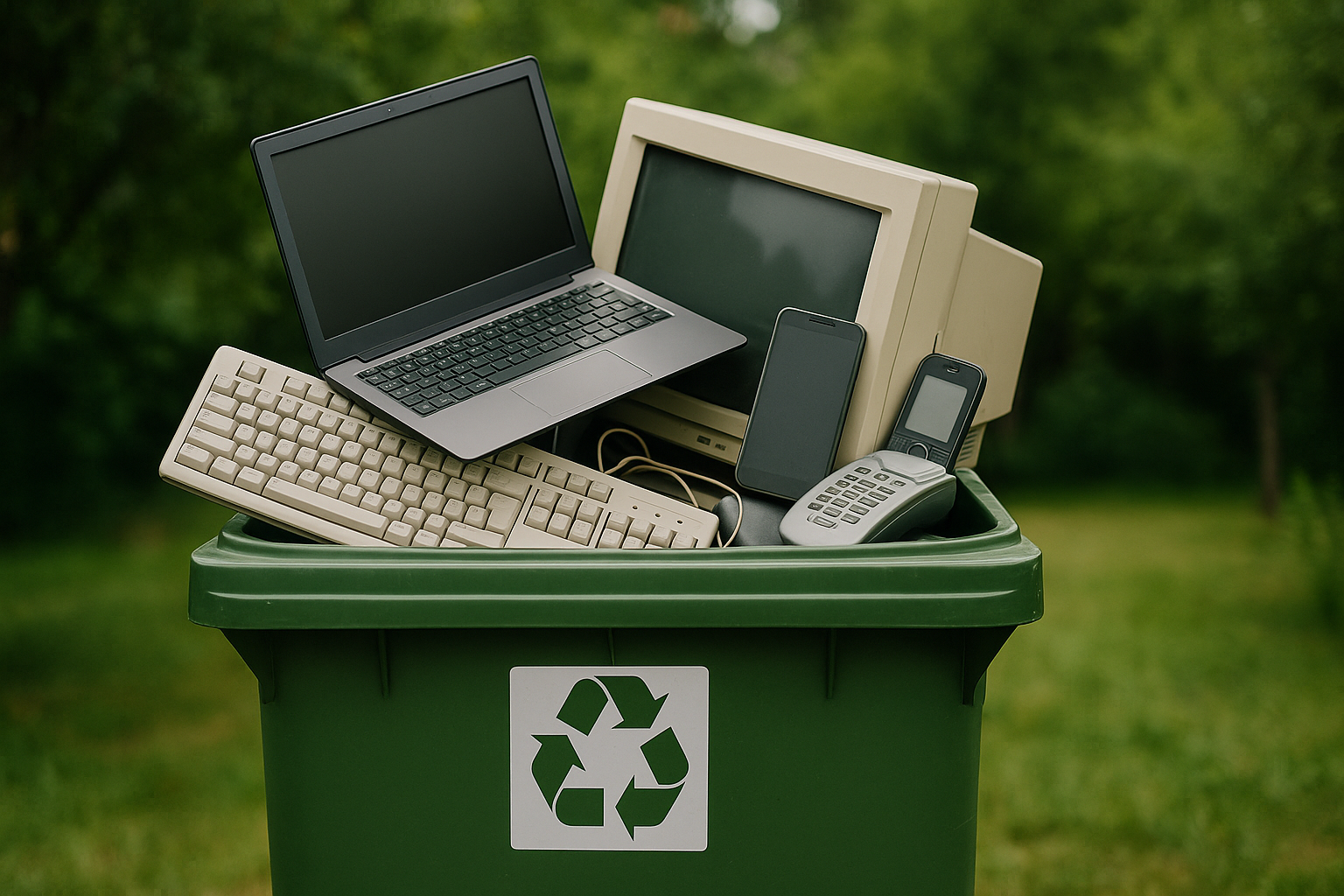
Electronics aren’t just screens and shiny cases. They’re tiny mines of metals, plastics, and batteries—some helpful, some harmful. When you handle them right, you save resources and avoid toxic messes down the line. When you don’t, well, the desert heat and lithium batteries don’t mix.
Here’s a quick, handy snapshot:
| Item | What’s Risky Inside | Chandler-Friendly Disposal Route |
|---|---|---|
| Phones, tablets, laptops | Lithium batteries; rare metals | Retail take-back (Best Buy/Staples), certified recyclers, electronics recycling events |
| Desktops, hard drives | Data on drives; lead solder | Certified reuse/recycling; request data destruction |
| TVs/monitors (flat + CRT) | Leaded glass (CRTs), heavy screens | TV disposal via certified recycler; city HHW events (varies) |
| Printers, routers, modems | Circuit boards, inks/toners | Retailer take-back; e-waste recycler; donation if working |
| Cords, chargers, accessories | Copper wire, mixed plastics | Scrap/e-waste recycler; bundle for easy handling |
| Power tools with batteries | Lithium/ni-cad cells | HHW facility or battery-specific collection—never the trash |
Let me explain why this table matters. Electronics hold heavy metals like lead and mercury. Batteries can swell or ignite—especially in a hot Chandler garage. And yet, they’re also packed with recoverable materials like gold and copper. So when you choose responsible e-waste removal, you’re doing double-duty: protecting your home and keeping useful stuff in circulation.
The Hidden Hazards Sitting in That Junk Drawer
It’s tempting to treat old tech like regular trash. It’s not. Lithium-ion batteries can spark fires if crushed, punctured, or overheated. The summer sun here? It can push garage temps sky-high, which is terrible for old batteries, laptop packs, and vape pens.
There’s also the not-so-fun cocktail of brominated flame retardants, cadmium, and lead inside older electronics. Those don’t belong in landfills—period. Most landfills have modern protections, sure, but why risk it when there’s a better path that also recovers valuable materials?
One more thing: even a “dead” device might still hold a charge. Treat batteries like they’re live. That little extra care pays off.
The Chandler Angle: Local Options That Actually Work
You don’t need to reinvent the wheel. Around Chandler, homeowners have a few straightforward choices:
-
City HHW Programs. Many residents can use the City of Chandler Household Hazardous Waste collection Services (often by appointment). Electronics and batteries are frequently accepted—check the city’s Solid Waste Services page for current rules and event dates.
-
Retail Take-Back. Stores like Best Buy and Staples run electronics recycling programs for many small devices. Restrictions and small fees can apply (especially for TVs), so peek at their websites first.
-
Certified Recyclers. Phoenix-metro has reputable options like ER2 (Electronic Responsible Recyclers) and Westech Recyclers. These companies focus on proper handling, and many follow standards like R2/RIOS or e‑Stewards. If you’re moving a lot of gear, this can be ideal.
-
Donations (Working Only). Goodwill of Central and Northern Arizona or local non-profits may accept working tech. Please reset the device first and include chargers.
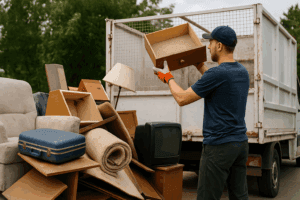
Chandler Junk Removal works with vetted partners and routes electronics to appropriate reuse or recycling streams. That means fewer headaches for you—and no guesswork about who takes what.
Data Security: Wipe It Like You Mean It
Here’s the thing: throwing a device out without wiping it is like leaving your front door wide open. It’s not just photos and emails; saved passwords, tax returns, and banking info can linger. The good news? Clearing your data isn’t hard.
-
Phones and Tablets
- Backup your data (iCloud/Google).
- Sign out of iCloud/Google/Apple ID.
- Remove SIM/SD card.
- Factory reset: iOS (Settings > General > Transfer or Reset > Erase All Content and Settings). Android (Settings > System > Reset options > Erase all data).
- If the phone is encrypted by default (most are), you’re in good shape post-reset.
-
Windows PCs/Laptops
- Backup first.
- Sign out of Microsoft/other accounts.
- Use Windows “Reset this PC” with the “Remove everything” option and “Cloud download” or “Local reinstall.” Choose the deeper clean if available.
-
Mac Computers
- Backup with Time Machine or iCloud.
- For newer Macs (Monterey+), use “Erase All Content and Settings.”
- Older Macs: boot to Recovery (Command+R), use Disk Utility to erase the drive, then reinstall macOS.
-
Extra-Cautious Mode
- For old-school drives, tools like DBAN (for HDDs) or manufacturer utilities can add peace of mind. For SSDs, use built-in OS erase features or vendor tools since overwriting works differently.
If you’re not comfortable doing this, ask for data destruction support. We can coordinate certified wiping or physical drive shredding through our partners on request.
Prep Tips So Pickup Day Is Easy
A bit of sorting makes everything smoother—and safer, too.
- Group like with like. Keep computers, TVs, phones, and batteries in separate piles.
- Bundle cords. Tie cables and chargers with a rubber band; label if they match a device.
- Remove batteries where possible. Tape the terminals of loose batteries with painter’s tape.
- Protect screens. Slip a towel or cardboard over TVs/monitors to prevent scratches.
- Keep items shaded. Don’t leave lithium batteries baking on the driveway.
- Note special cases. Big CRT TVs or giant projection sets might have handling or recycling fees due to materials and weight.
Honestly, five minutes of prep can save you a half-hour of questions later.
Repair, Reuse, or Recycle? A Quick Homeowner Guide
Not everything should be scrapped. A fast check helps you make a smart call.
- Still working well? Consider donation. Make sure it’s reset, clean, and includes the charger.
- Works but very slow? It might be ideal for reuse with a light user (word processing, streaming). Otherwise, recycle responsibly.
- Cracked screen or won’t power up? If repair costs more than 50% of replacement, skip it. Recycle.
- Old TV with a great picture? Keep it or rehome it (if someone wants it). CRTs are heavy and require special handling, so recycling is often the most practical route.
You know what? The right answer is sometimes mixed: donate the working tablet, recycle the dead printer, and finally let that stack of mystery cords go.
Why Hire a Pro Instead of “I’ll Get to It”
You could handle e-waste solo. But there’s a reason homeowners call for help.
- Safety first. Big TVs and awkward monitors are no joke—especially in tight hallways or attics. We’ve got the gear and the technique.
- Correct routing. We partner with reputable recyclers and reuse outlets so your items avoid the landfill whenever possible.
- Time saved. One pickup clears the garage, office, and closets. No lines, no appointments, no driving around the Valley.
- Compliance and transparency. When possible, we route to facilities that follow recognized standards (R2/RIOS or e‑Stewards). If you have special requests—like certificates of data destruction—just say the word and we’ll coordinate with our partners.
- Local know-how. We work in Chandler every day. We know summer heat, monsoon schedules, HOA quirks, and what local sites accept.
It sounds simple—just toss the old gear. But once you add safety, data wiping, sorting, and disposal rules, a pro crew starts to make a lot of sense.
Seasonal Spin: Monsoon Season, Heat, and Garage Cleanouts
Timing matters in the desert. When monsoon storms roll in, that flimsy box of cables gets soggy, and wet electronics are messy to move. In peak summer, batteries and heat are a risky combo; schedule morning pickups when it’s cooler and safer to handle.
Spring cleaning after tax season? It’s a perfect window for e-waste disposal in Chandler. You’re already sorting papers and files—add old tech to the “out” pile, then get it picked up in one clean sweep.
How Chandler Junk Removal Helps (Simple, Fast, Responsible)
We built a service for Chandler homeowners who want electronics recycling done right—without the runaround.
- Fast, friendly scheduling. Tell us what you’ve got and where it sits (garage, office, upstairs). We’ll give you a clear, fair price and book a time that works.
- Careful pickup. We protect walls and floors, wrap fragile items, and handle the heavy stuff so you don’t have to.
- Smart sorting. We prioritize reuse, donation, and recycling. Batteries and screens get special care. When requested, we can coordinate data destruction through certified partners.
- Local and reliable. Chandler is home turf for us. That means quick routes, no nonsense, and service you can count on.
Ready to clear the clutter the responsible way? Call us at 480-760-2418 or tap “Request a Free Quote.” We’ll handle the heavy lifting, the safe routing, and the peace of mind—so you can finally reclaim that closet, those shelves, and your Saturday.