
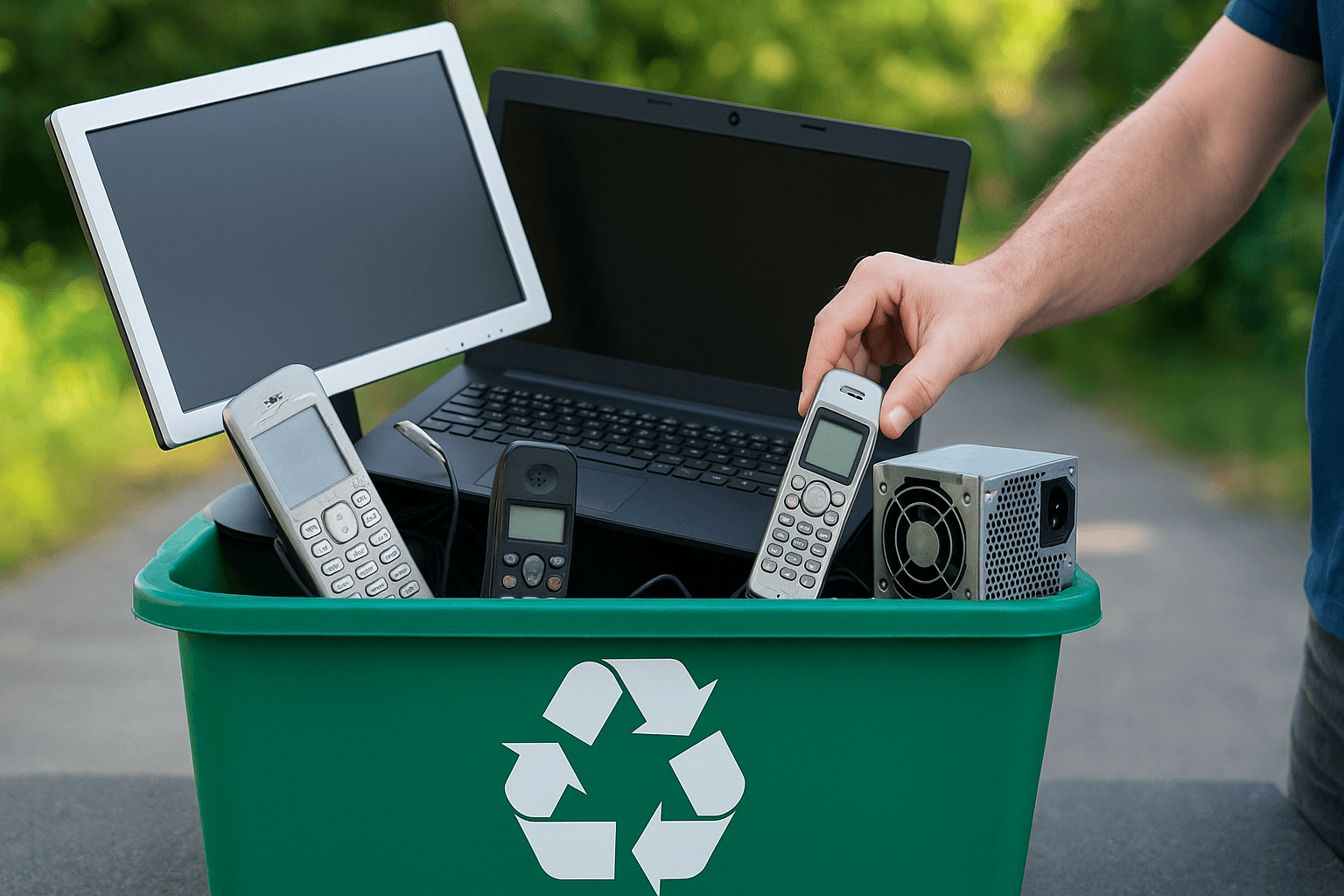
Old cords in the junk drawer. A busted TV leaning in the garage. And that mystery phone you swore you’d recycle last spring. If that sounds familiar, you’re in the right place—this is your simple, Chandler-friendly guide to smarter e-waste recycling.
What counts as e-waste, anyway?
If it plugs in, charges up, or runs on a battery, it likely counts. That means everything from that older iPad to the printer that jams every other sheet.
- Common household e-waste: phones, tablets, laptops, desktops, printers, modems/routers, TVs, monitors, game consoles, e-readers, smart home gadgets, cables, chargers, keyboards, mice, and small appliances with circuit boards.
- Batteries matter: lithium-ion packs, power tool batteries, and rechargeable packs belong with e-waste—never in the trash.
- Trickier items: CRT TVs, broken flat screens, and unmarked batteries often need special handling.
You don’t need a tech degree to sort this stuff. You do need a plan that’s quick enough to fit between kids’ soccer practice and a Costco run.
Why e-waste recycling matters in Chandler
Here’s the thing: electronics contain valuable metals and materials we can reuse. But they also carry harmful stuff—like lead or mercury in older devices—that absolutely shouldn’t end up in our desert soil.
- Desert landfills and heat don’t mix: heat and pressure aren’t kind to batteries. They can vent or, in rare cases, ignite.
- Local water and air: heavy metals can leach from broken devices. Recycling keeps our community cleaner, from Ocotillo to Sun Lakes.
- Resource recovery: recycling recovers copper, aluminum, and rare metals. It saves energy and reduces mining demand.
You know what? Choosing e-waste recycling in Chandler is a small step with big local impact.
The five-step, no-drama sort-and-stage method
Let me explain a fast way to get your electronics moving out—without turning your living room into a staging yard.
- Start small: one shelf, one drawer, or one tote. Ten minutes.
- Make three zones: Keep (still use), Reuse (donate/sell), Recycle (broken/obsolete).
- Quarantine batteries: put all batteries in a lidded bin. Tape the terminals on swollen or damaged batteries.
- Bundle cables: zip-tie or rubber-band by type. Keep one spare set, not seven.
- Stage near the door: stack your Recycle and Reuse items in a bin by the garage door so they leave on your next errand.
Here’s a quick “what goes where” guide:
| Item | Reuse vs. Recycle | Notes |
|---|---|---|
| Working laptop/tablet | Reuse/Donate | Wipe data first; schools and nonprofits may accept. |
| Broken phone | Recycle | Remove SIM/microSD; batteries are recyclable. |
| Flat-screen TV (cracked) | Recycle | Some sites charge a small fee; call ahead. |
| CRT TV/monitor | Recycle (special) | Needs special handling; don’t leave curbside. |
| Chargers/cables | Reuse or Recycle | Keep a labeled set; recycle extras. |
| Printers | Recycle | Remove ink/toner; many stores accept. |
Data safety comes first (it’s easier than it sounds)
You don’t need to become a tech guru—well, except for two tiny settings you’ll tap. Before you pass along or recycle smart devices, clear your data.
- Phones/tablets:
- iPhone/iPad: Settings > Your Name > Sign Out of iCloud > Settings > General > Transfer or Reset > Erase All Content and Settings.
- Android: Settings > Accounts > Remove Google account > Settings > System > Reset > Factory data reset.
- Laptops/desktops:
- Windows 10/11: Settings > System > Recovery > Reset this PC > Remove everything.
- Mac: Settings > General > Transfer or Reset > Erase All Content and Settings (newer Macs). Older Macs: boot to Recovery and erase via Disk Utility, then reinstall.
- Extra credit: remove SIM and memory cards; for old hard drives, consider a drill-through or a certified wipe if you’re cautious.
- Photos and files: back up to an external drive or cloud (Google Drive, iCloud, OneDrive) before you erase.
If this part makes you nervous, we offer data destruction assistance through certified partners—secure, trackable, and quick.
Where to take e-waste in and around Chandler
Chandler makes it fairly simple, and a few retailers help too. A quick call saves a wasted trip.
- City of Chandler Household Hazardous Waste events: periodic collections for residents; electronics and batteries accepted. Check the city website for dates and ID requirements.
- Neighborhood Recycling Solid Waste Collection Center (Maricopa County): electronics are typically accepted; fees vary by item.
- Retailers:
- Best Buy: accepts many electronics; TVs may carry a fee; limits per day.
- Staples: often takes laptops, keyboards, mice, and small electronics.
- Batteries Plus: recycles batteries, including lithium and tool packs.
- Manufacturer take-back: Apple, Dell, HP, Samsung, and others have mail-in or trade-in programs.
- Donation (working items): local nonprofits, community centers, and STEM clubs may accept usable laptops. Always confirm specs and condition.
Pro tip: look for recyclers with R2 or e‑Stewards certification. That means responsible handling—no shady dumping overseas.
Reuse before recycle (yes, even the “old” stuff)
Recycling is good. Reuse is sometimes better. A five-year-old laptop might feel slow to you, but it can still browse, stream, and do homework for a family that needs it.
- Sell or donate: Facebook Marketplace, OfferUp, and local buy/sell groups move working gear fast. Wipe data first.
- Repurpose: a retired tablet makes a great smart photo frame or recipe screen in the kitchen.
- Parts harvest: some local repair shops accept broken devices for parts.
- Watch-outs: CRT TVs and cracked flat screens aren’t good donation candidates—send those to electronic recycling.
It’s a little extra effort, but in a pinch, reuse keeps items out of the waste stream longer.
Heat, haboobs, and holidays: when timing helps
Monsoon dust rolls in, then the heat bounces off your driveway at 4 p.m. That matters for e-waste.
- Lithium batteries hate heat: don’t store them in the garage during summer. Bring them inside until drop-off.
- Holiday upgrade season: after Black Friday or graduation, make a set time to move the replaced electronics out. Two weeks is a good rule.
- Storm safety: after a surge or flood, unplug damaged devices and set aside for recycling. Don’t test swollen batteries—bag and tape the terminals.
Small timing tweaks save you and the environment a headache.
Common e-waste mistakes to avoid
A few slips can cause delays, fees, or safety issues. Easy fixes, though.
- Tossing batteries in the trash: even small ones can spark fires. Use battery bins or store drop-offs.
- Mixing e-waste with scrap metal: electronics need separate processing.
- Leaving cords attached to TVs/monitors: detach and bundle cables to speed check-in.
- Forgetting remote SIMs or drives: check phones and desktops twice.
- Hoarding “just-in-case” cables: keep one extra HDMI and one extra phone charger—no more.
Honestly, most e-waste hassles come from rushing. Slow down for five minutes; you’ll speed everything up.
What Chandler Junk Removal handles (so you don’t have to)
If you’d rather skip the sorting stress, we’ve got you. Our team picks up and transports e-waste from anywhere on your property—garage, office, or that top shelf you pretend doesn’t exist.
- What we take: TVs, monitors, computers, tablets, phones, printers, routers, cables, keyboards, small appliances with circuit boards, and batteries (properly packaged).
- How we handle it: we route items to R2/e‑Stewards certified partners and provide documentation upon request.
- Data protection: secure chain-of-custody and optional certified wiping and destruction.
- Simple scheduling: same-day or next-day pickups across Chandler, Gilbert, Sun Lakes, and the Price Road Corridor.
- Transparent pricing: no surprises—photos help us estimate, and we’ll confirm on-site.
One pickup. One receipt. Clear space, clear conscience.
A simple home e-waste checklist
Tape this to the fridge for your next cleanout or move.
- Gather: chargers, phones, laptops, tablets, printers, TVs, batteries.
- Decide: Keep, Reuse, or Recycle—stick to your first choice.
- Backup and wipe: cloud or drive, then factory reset.
- Remove: SIM cards, memory cards, hard drives (if desired).
- Pack safely: bag small parts; tape battery terminals.
- Stage near the door: or schedule a pickup.
- Record: snap a quick photo for your household budget or donation records.
Consistency beats perfection. Do a small batch every quarter—maybe right after your AC tune-up.
Quick FAQs Chandler homeowners ask us
- Do you take old tube TVs? Yes—CRTs need special handling. We’ll transport them to a facility that can process them safely.
- Is there a fee for TVs or large printers? Some locations charge by size. We’ll outline any fees upfront and bundle them if we handle the drop-off.
- What about business e-waste? We serve home offices and small businesses. Certificates of recycling and data destruction are available.
If you’re unsure, send us a photo. We’ll point you in the right direction.
Ready to clear out the electronics pile?
Whether you’ve got one wobbly monitor or an attic full of cords, we can help you recycle it the right way—quickly, locally, and responsibly. Call Chandler Junk Removal at 480-760-2418 or click Request a Free Quote to get scheduling and pricing in minutes. We’ll handle the heavy lifting; you keep your weekend.